Enable SSH on Kali Linux Enable SSH on Kali Linux

Kali Linux does not come with SSH enabled. SSH is the preferred method of remote management for most Linux based systems. Secure Shell (SSH) is a cryptographic network protocol for secure data communication, remote command-line login, remote command execution, and other secure network services between two networked computers. It connects, via a secure channel over an insecure network, a server and a client running SSH server and SSH client programs.
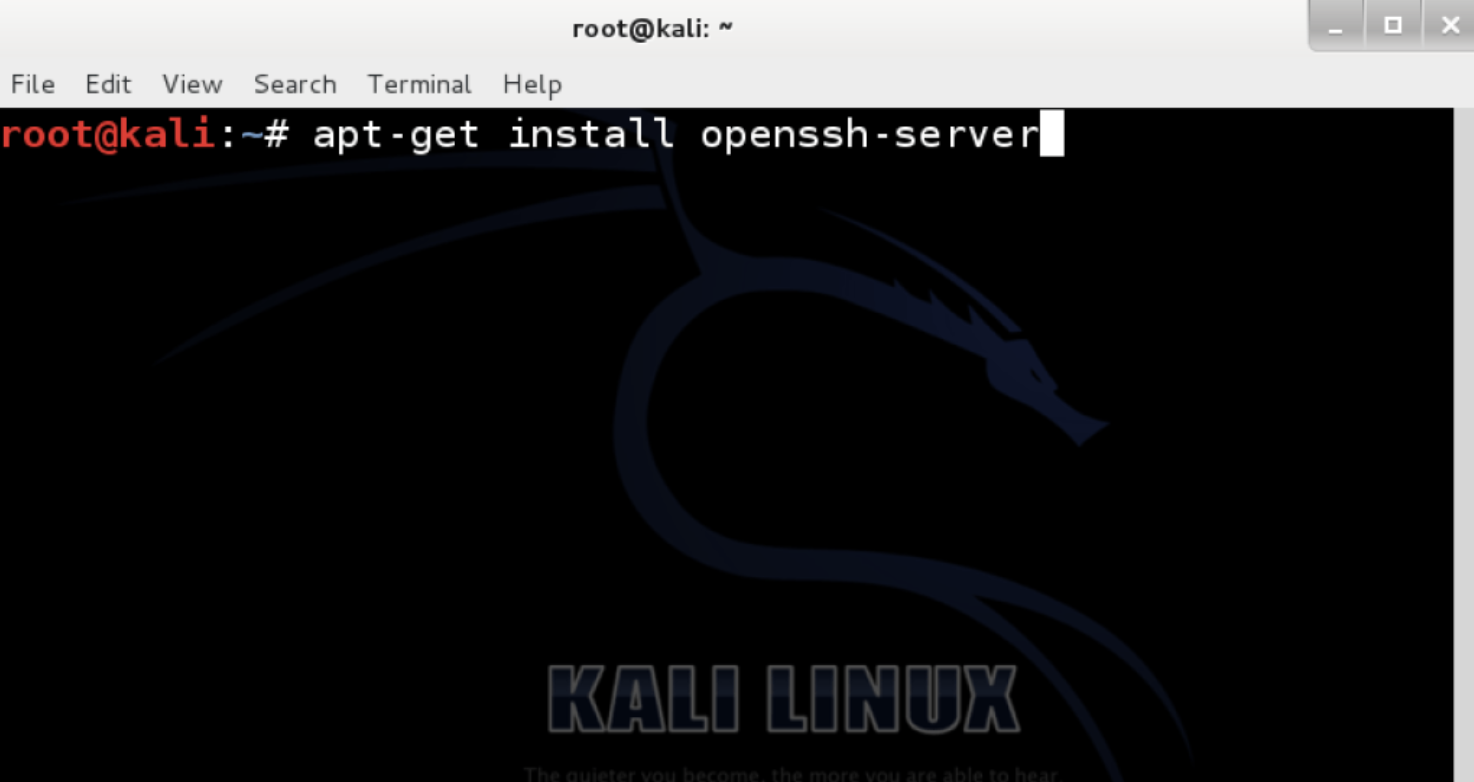
1) Install OpenSSH ServerThe first step is to go the terminal window and install OpenSSH Server. You do this by typing the following command in the terminal window:
root@kali~:# apt-get install openssh-server
2) Configure SSH to run on persistently.
In other words survive a reboot.
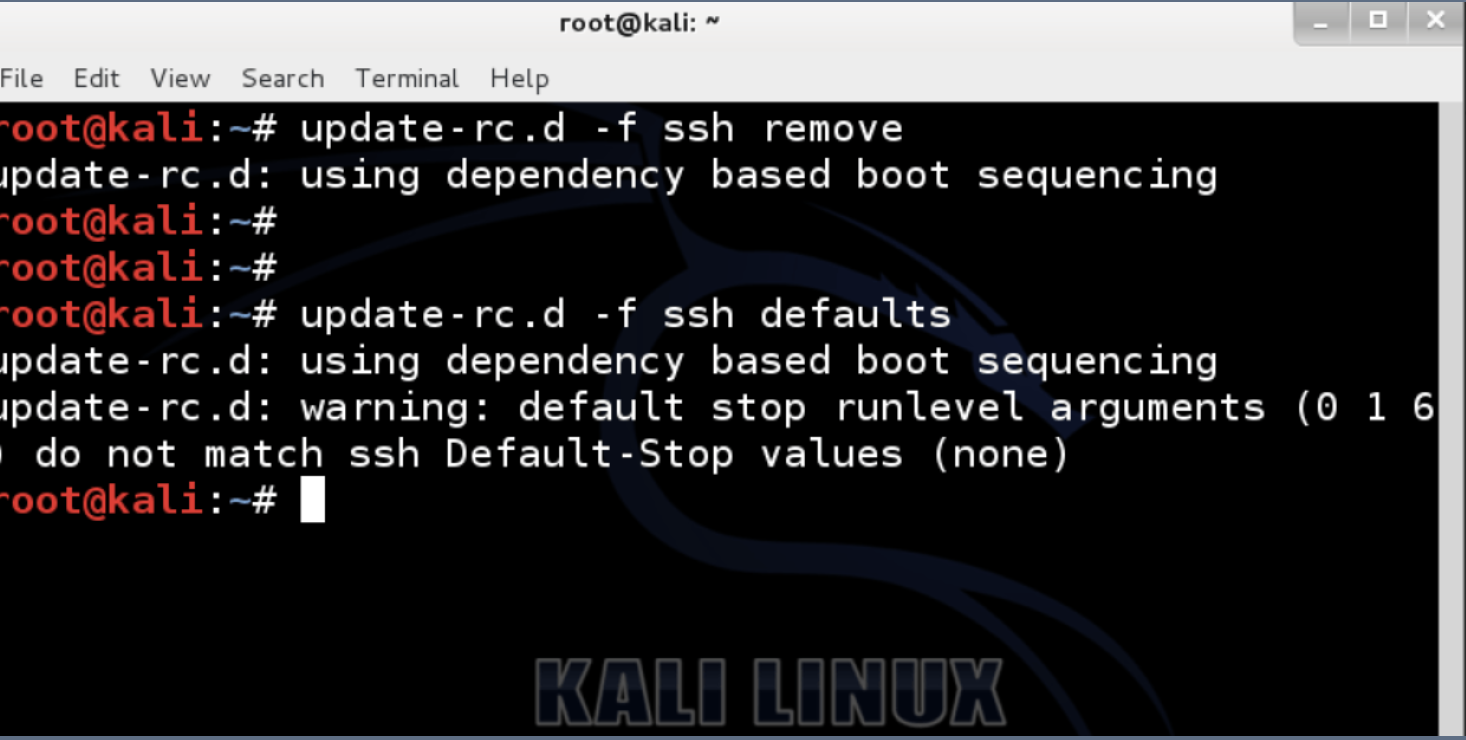
a) First we need to remove run levels for SSH by issuing the command:
root@kali~:# update-rc.d -f ssh remove

b) Now we need load the default SSH run level by issuing the following command:
root@kali~:# update-rc.d -f ssh defaults
3) Change the default SSH keys
We now need to change the default SSH keys. The reason for this is because every Linux and Unix system uses similar keys. An Attacker could potentially guess or crack your SSH keys and exploit your system using Man-in-the-Middle techniques.
a) Backup and move default Kali Linux Keys
root@kali:~#  cd /etc/ssh/
root@kali:/etc/ssh#  mkdir insecure_original_default_kali_keys
root@kali:/etc/ssh#
root@kali:/etc/ssh#  mv ssh_host_* insecure_original_default_kali_keys/
root@kali:/etc/ssh#

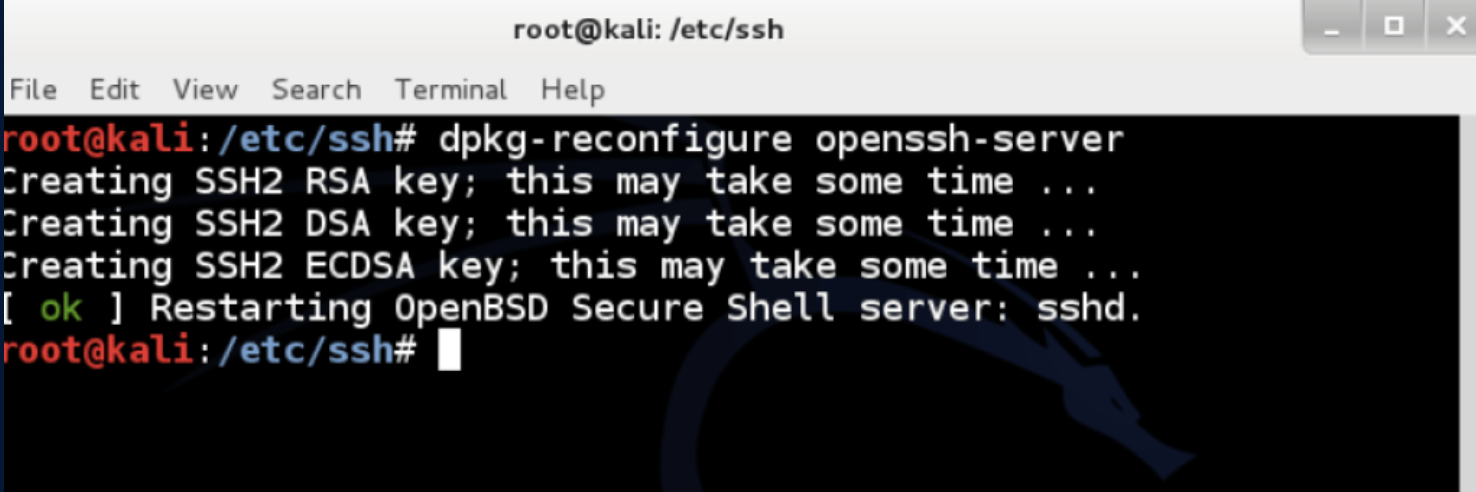
b) Create new keysType the following command in the terminal window:
dpkg-reconfigure openssh-server
root@kali:/etc/ssh#  dpkg-reconfigure openssh-server
Creating SSH2 RSA key; this may take some time ...
Creating SSH2 DSA key; this may take some time ...
Creating SSH2 ECDSA key; this may take some time ...
[ ok ] Restarting OpenBSD Secure Shell server: sshd.
root@kali:/etc/ssh#
4) Root login via SSH on Kali
Kali ssh Permission denied, please try again.
By default in Kali 2.0 root login in disabled thru SSH. If you want to SSH in thru root (which has tons of security risks) you will need to do the following:a) edit /etc/ssh/sshd_config, change:
b) change line PermitRootLogin without-password
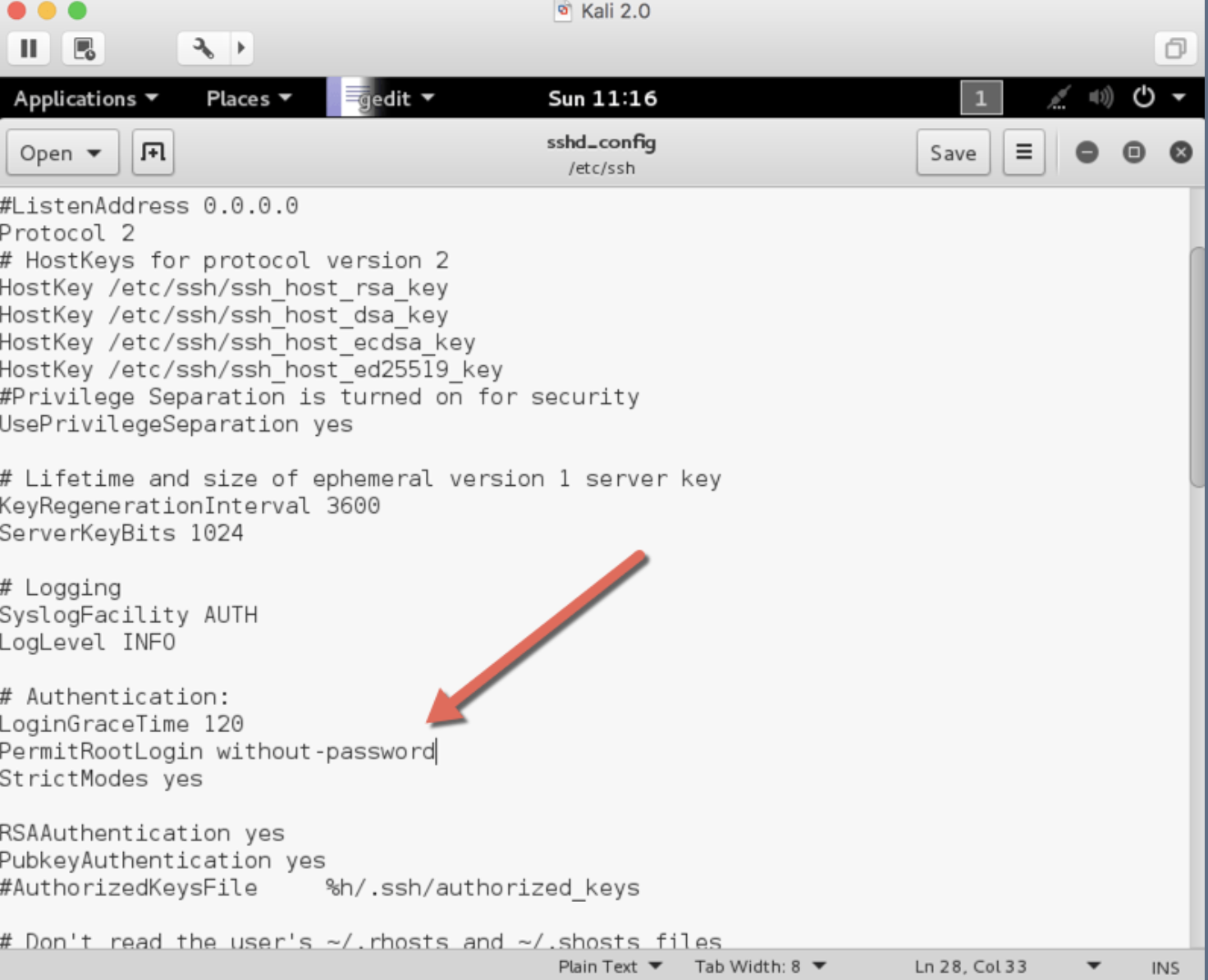
to
PermitRootLogin yes

c) restart SSH:
sudo service ssh restart

d) Make sure SSH service always restarts on reboot in Kali Linux

update-rc.d -f ssh enable 2 3 4 5
5) MOTD – Message of the Day banner
You can create login banner, also known as a Message of the Day (MOTD) banner on Kali Linux that is displayed when users login. Just edit the /etc/motd file (restart ssh after you have completed the edit).Edit the following file and add your text.
root@kali:~# vi /etc/motd
root@kali:~# service ssh restart
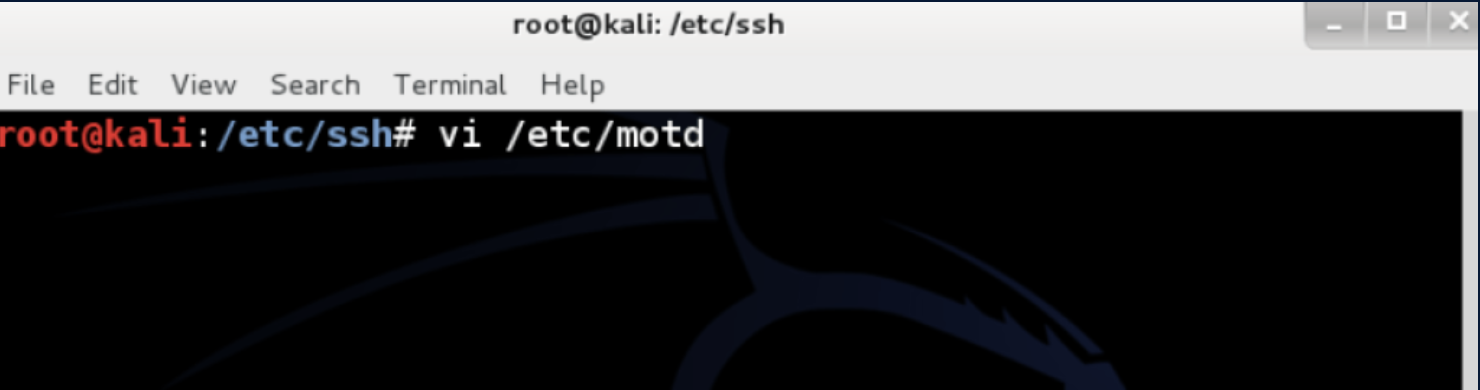
a) MOTD – Message of the Day bannerI personally like combining some ASCII art with my message of the day. Go to http://patorjk.com/software/taag to create some of your own ASCII art
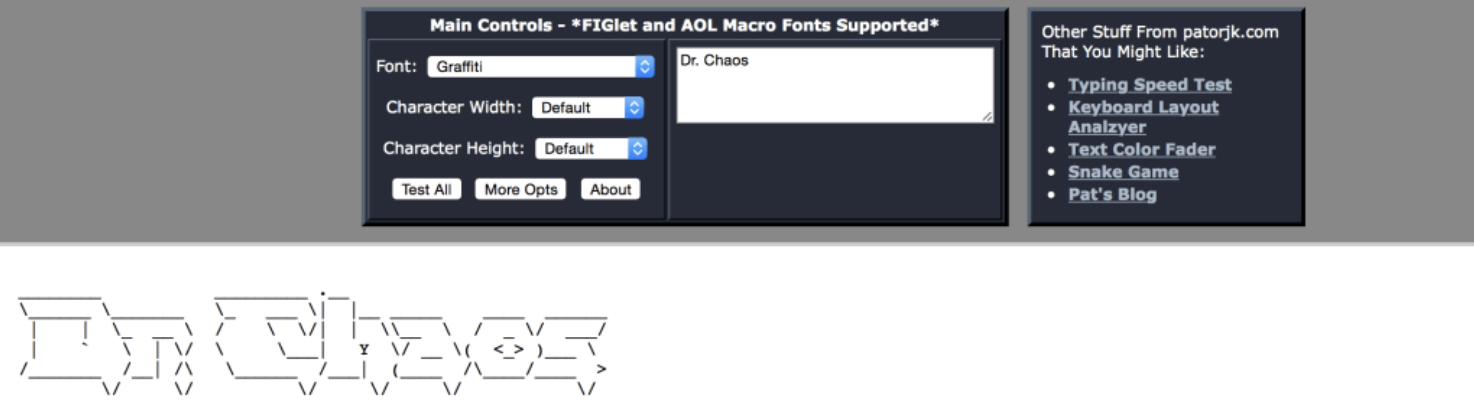
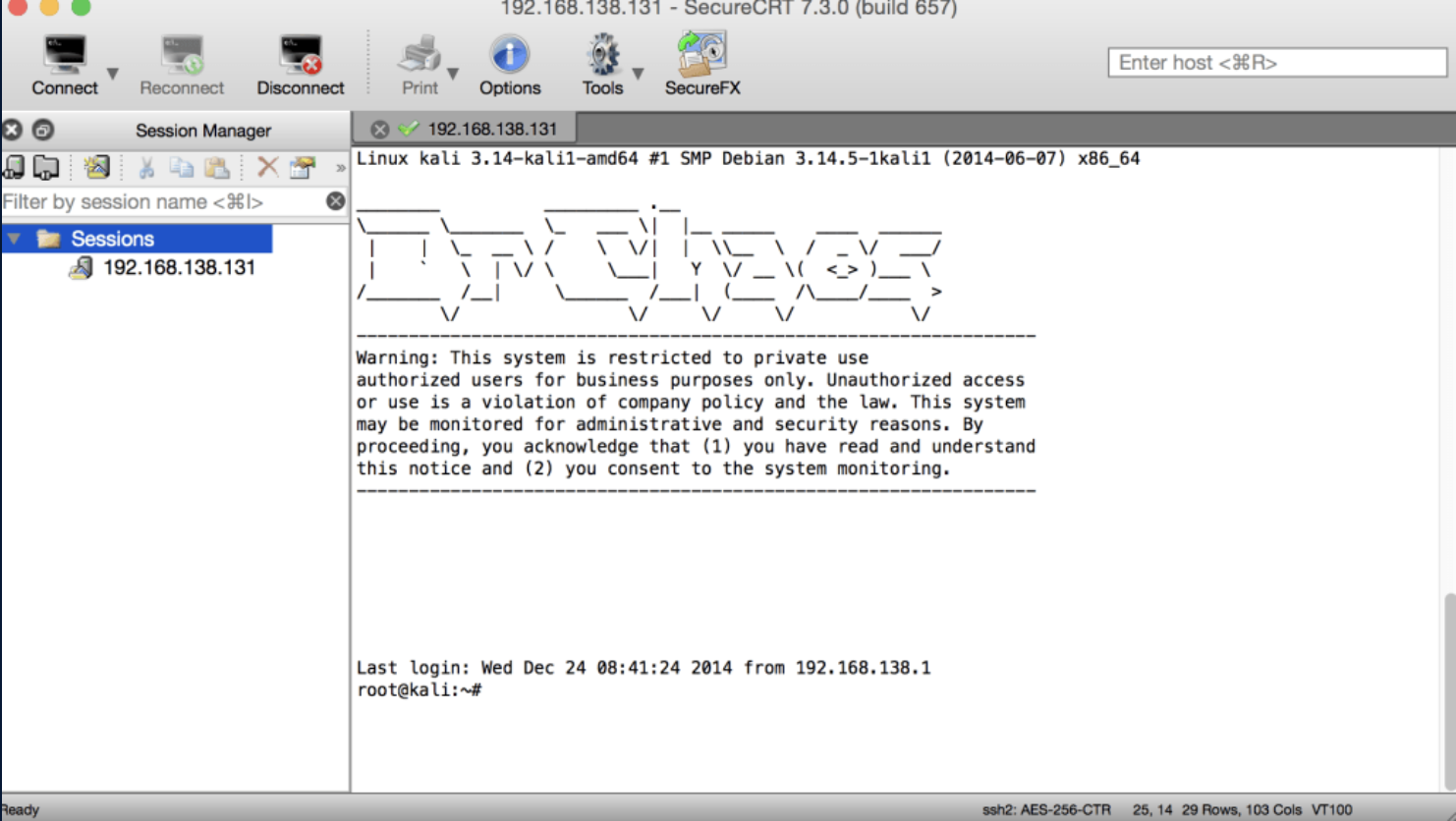
We added the following text to our login banner:
________          _________ .__
\______ \_______  \_   ___ \|  |__ _____    ____  ______
 |    |  \_  __ \ /    \  \/|  |  \\__  \  /  _ \/  ___/
 |    `   \  | \/ \     \___|   Y  \/ __ \(  <_> )___ \
/_______  /__|     \______  /___|  (____  /\____/____  >
        \/                \/     \/     \/           \/
-----------------------------------------------------------------
Warning: This system is restricted to private use
authorized users for business purposes only. Unauthorized access
or use is a violation of company policy and the law. This system
may be monitored for administrative and security reasons. By
proceeding, you acknowledge that (1) you have read and understand
this notice and (2) you consent to the system monitoring.
-----------------------------------------------------------------
5) Enjoy remote access via SSH to your Kali Linux
Founder · Packet.Zip
Aamir Lakhani is a leading senior security strategist responsible for providing IT security solutions to major enterprises and government organizations. He creates technical security strategies and leads security implementation projects for…

